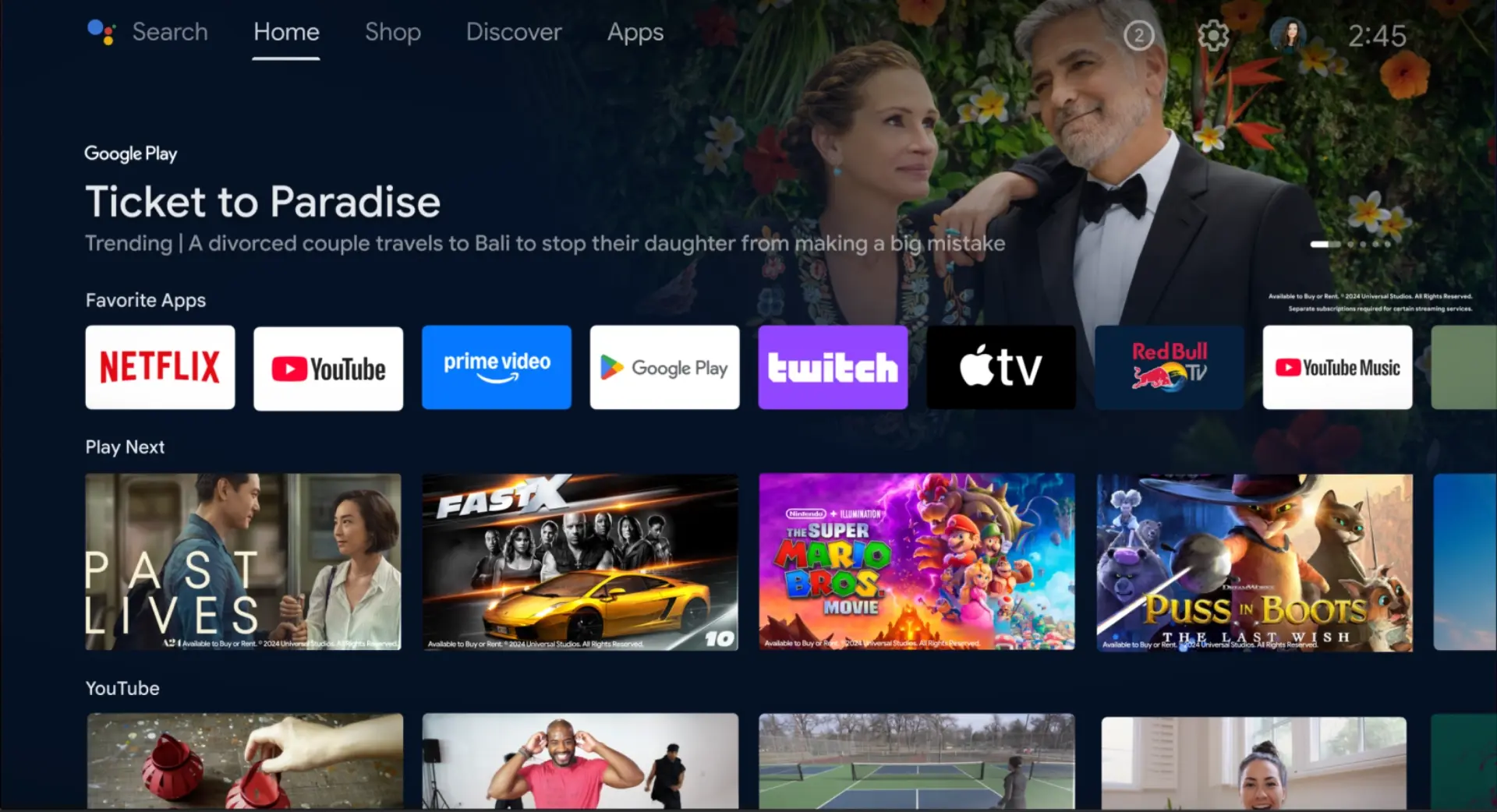
In 2025, streaming content from around the world on your Android TV has never been easier—or more restricted. Whether it’s regional limitations on Netflix, blocked apps, or privacy concerns, a Virtual Private Network (VPN) is a powerful tool for unlocking the full potential of your Android TV. But not everyone wants to pay for a premium service. So, what’s the best free VPN for Android TV?
In this guide, we’ll break down what makes a good free VPN, the top free VPN options available, and which one stands out as the best choice for Android TV users.
Why Use a VPN on Android TV?
Before diving into the top choices, it’s important to understand why using a VPN on Android TV is worth considering:
- Access Geo-Restricted Content: VPNs allow you to change your virtual location to bypass regional blocks on platforms like Netflix, Hulu, BBC iPlayer, and Disney+.
- Secure Your Connection: VPNs encrypt your internet traffic, protecting you from hackers—especially on public Wi-Fi.
- Avoid ISP Throttling: Some internet service providers slow down streaming traffic. A VPN hides your activity to prevent throttling.
- Unblock Apps: In some regions, certain streaming apps aren’t even available for download. A VPN lets you access a wider app library.
Key Features of a Good Free VPN
Not all free VPNs are created equal. The best ones offer a balance of functionality, safety, and streaming capability without too many compromises. Here’s what to look for:
- Android TV Compatibility: The VPN should have a dedicated Android app that works smoothly with your TV’s interface.
- No Logging Policy: It should not collect or sell your data.
- Decent Speeds: Slow VPNs can make streaming nearly impossible.
- Data Limit: Look for VPNs with a generous free data allowance.
- Streaming-Friendly Servers: Some VPNs block access to streaming platforms even on paid plans, so a free VPN that supports streaming is rare—but valuable.
Top 3 Free VPNs for Android TV in 2025
1. Proton VPN – Best Overall Free VPN for Android TV
Why it’s the best: Proton VPN offers unlimited data—a rare feature in the free VPN world. With its strong commitment to privacy and a user-friendly Android app, it’s perfect for Android TV users.
Features:
- Unlimited data (no daily/monthly caps)
- No ads
- Servers in 3 countries (USA, Netherlands, Japan)
- Open-source and audited
- No-logs policy
Drawbacks:
- Free servers don’t always support streaming
- Only one device connection on the free plan
Bottom line: Proton VPN is ideal if you prioritize privacy and want a reliable, ad-free experience, even if access to streaming services like Netflix is limited on the free plan.
2. Windscribe – Best for Streaming Access
Why it’s great: Windscribe’s free plan gives you 10GB per month and includes access to servers in 11 countries. It’s one of the few free VPNs that can sometimes unblock Netflix, YouTube, and BBC iPlayer.
Features:
- 10GB monthly data limit (more with email verification)
- Server access in 11 countries
- Ad and tracker blocker (R.O.B.E.R.T)
- Android TV-compatible app
- Strong encryption and no logs
Drawbacks:
- 10GB can run out quickly with HD streaming
- Occasional speed issues on free servers
Bottom line: If your goal is to stream geo-blocked content occasionally without paying, Windscribe is a solid pick.
3. Hide.me – Great Privacy and Speed
Why it’s reliable: Hide.me offers 10GB per month, fast speeds, and no-logs privacy. It’s one of the oldest VPN services still offering a generous free tier without pushing aggressive upsells.
Features:
- 10GB monthly data
- 5 server locations (including US and Germany)
- No ads or speed throttling
- Android TV support
Drawbacks:
- Limited server access
- Doesn’t consistently unblock Netflix or Disney+
Bottom line: Hide.me is best for users looking for security and occasional streaming, especially on public Wi-Fi networks.
How to Install a VPN on Android TV
Most free VPNs on this list are available directly through the Google Play Store on your Android TV. Just follow these steps:
- Go to Google Play Store on your Android TV.
- Search for your chosen VPN (e.g., “Proton VPN”).
- Click Install.
- Open the app, sign up (if required), and connect to a server.
If the VPN is not available on the Play Store, you can sideload the APK file, but this requires enabling developer settings and can be less convenient.
Final Verdict: Proton VPN Takes the Crown
While each of the VPNs listed has its strengths, Proton VPN stands out in 2025 as the best free VPN for Android TV due to its unlimited data, no-ads policy, and transparent privacy practices.
However, if your main goal is unlocking streaming platforms without paying, Windscribe is a strong runner-up thanks to its larger country list and better access to streaming services.
Pro Tips for Using Free VPNs on Android TV
- Switch Servers: If a streaming site doesn’t work, try a different country.
- Clear Cache: Sometimes streaming apps cache your location—clear cache to avoid detection.
- Upgrade if Needed: If you find yourself running out of data or needing better speeds, most of these VPNs offer affordable upgrades.
Conclusion
A free VPN can enhance your Android TV experience significantly—giving you better privacy, access to geo-blocked content, and a safer streaming environment. While no free VPN is perfect, Proton VPN and Windscribe are excellent starting points for anyone looking to protect their online activity without spending a dime.